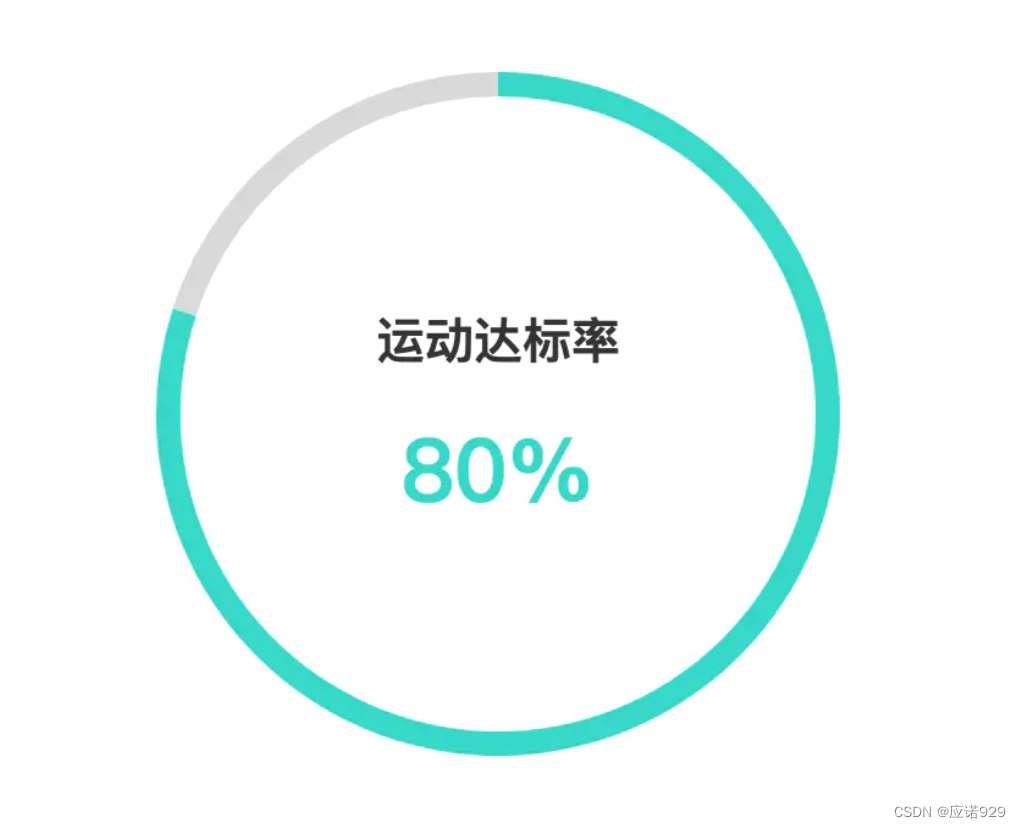
// 指定图表的配置项和数据
        var option = {
            tooltip: {
                trigger: 'item',
                formatter: "{a} <br/>{b}: {c} ({d}%)"
            },
            color:["#27D9C8","#D8D8D8"],
            title:{
                text:"80%",
                left:"center",
                top:"50%",
                textStyle:{
                    color:"#27D9C8",
                    fontSize:36,
                    align:"center"
                }
            },
            graphic:{
                type:"text",
                left:"center",
                top:"40%",
                style:{
                    text:"运动达标率",
                    textAlign:"center",
                    fill:"#333",
                    fontSize:20,
                    fontWeight:700
                }
            },
            series: [
                {
                    name: '运动情况',
                    type: 'pie',
                    radius: ['65%', '70%'],
                    avoidLabelOverlap: false,
                    label: {
                        normal: {
                            show: false,
                            position: 'center'
                        },

                    },

                    data: [
                        { value: 80, name: '已完成' },
                        { value: 20, name: '未完成' },

                    ]
                }
            ]
        };
最后
以上就是义气西牛最近收集整理的关于Echarts 饼图中间添加文字、title、graphic的全部内容,更多相关Echarts内容请搜索靠谱客的其他文章。
本图文内容来源于网友提供,作为学习参考使用,或来自网络收集整理,版权属于原作者所有。








发表评论 取消回复