|
NOTE: For regular users who would always use the GUI front-end, you do not have to understand the details of the following workflow. But having an idea of the process is recommended. To understand how Diffusion Toolkit's GUI works, it would be necessary to know the actually workflow behind the scene. The workflow of Diffusion Toolkit (DTK) contains 4 major steps (some of them are optional). 1. Convert the raw DICOM images into a series of ANALYZE images. The command-line program to do that is diff_unpack. If the raw images are not DICOM, you will have to convert them to ANALYZE manually following the rules below:
2. Reconstruct the raw images.
3. Fiber tracking. Takes the reconstructed data and generated a track file.
4. Smooth the tracks.
spline_filter takes the generated track file from last step and smooth the tracks with a B-Spline filter. This step is not required but strongly recommended. It would remove redundant track points and segments (thus reducing the size of the track file) and also make tracks nicely smoothed. It will NOT change the quality of the tracks or lose any original information.
|
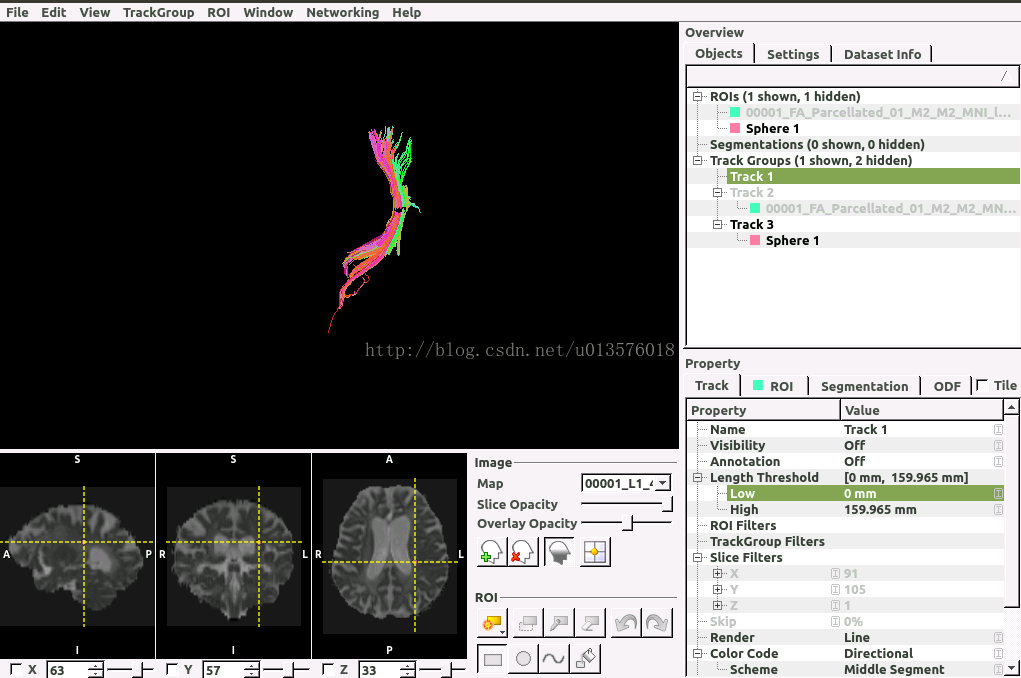
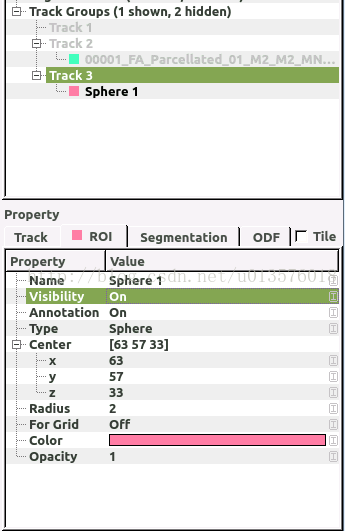
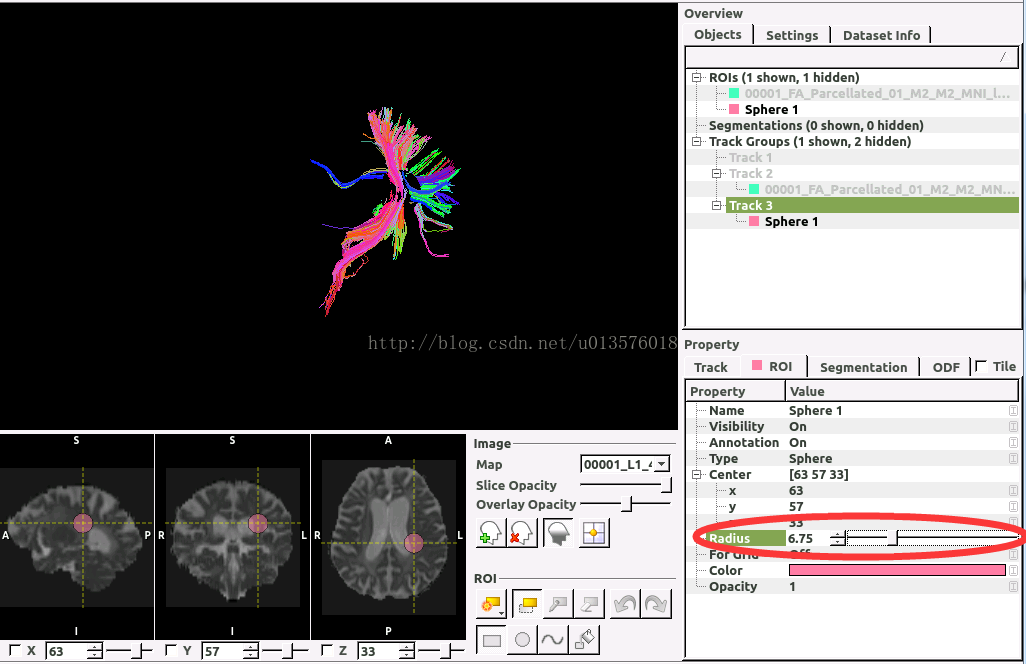
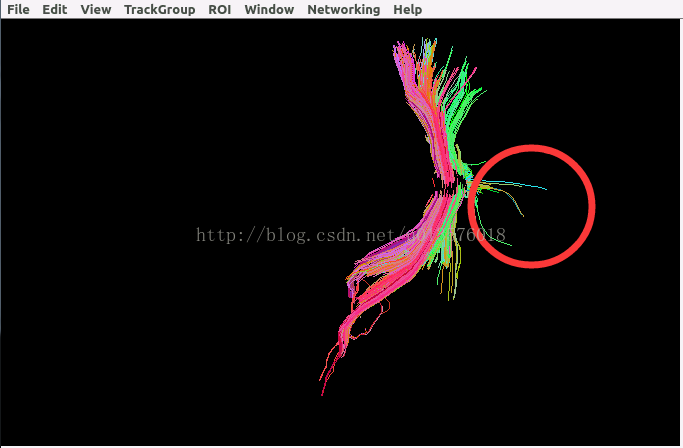
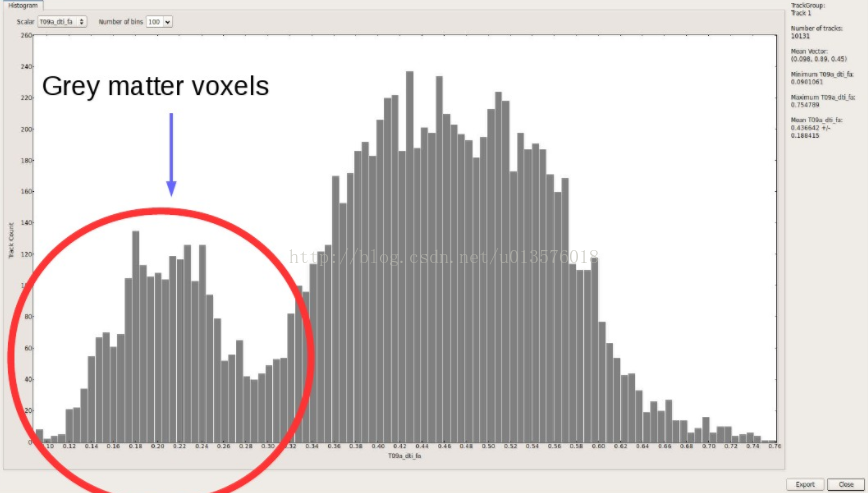
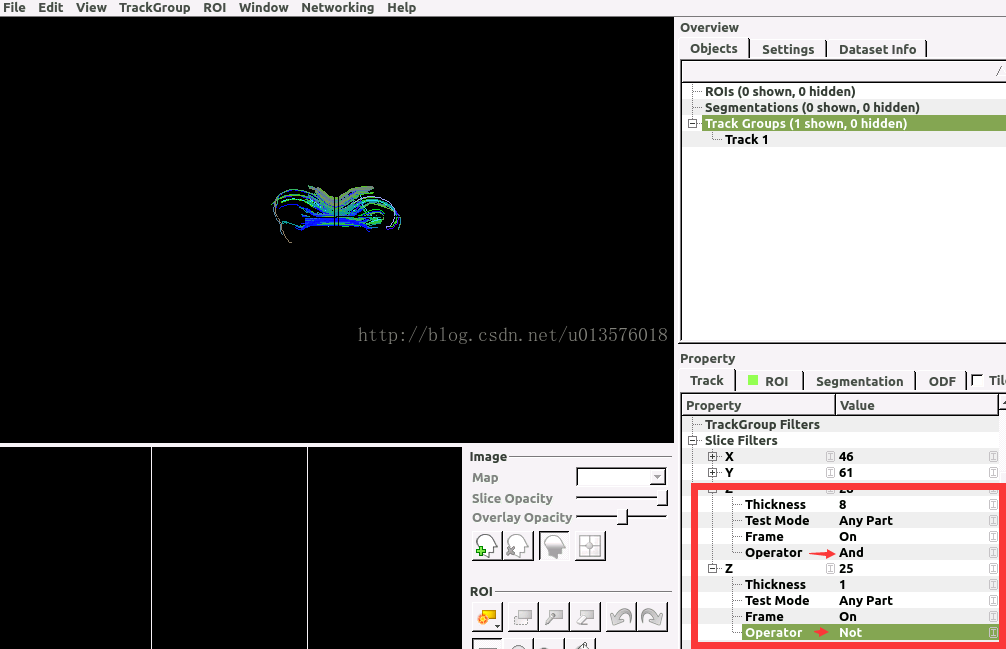
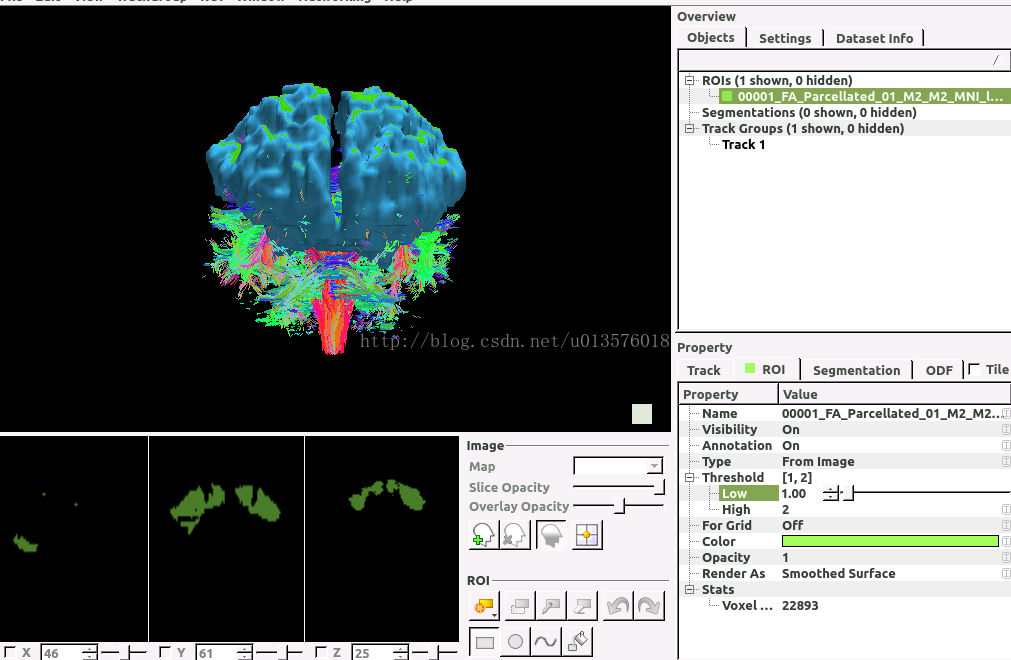
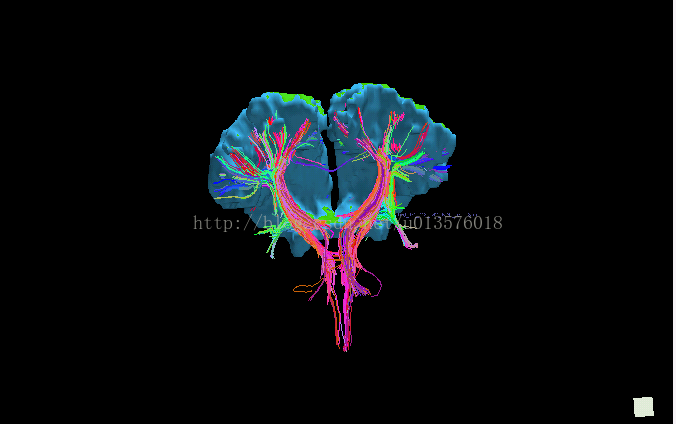
最后
以上就是勤恳麦片最近收集整理的关于【TrackVis 教程】基于DTI的纤维追踪及显示的全部内容,更多相关【TrackVis内容请搜索靠谱客的其他文章。








发表评论 取消回复