# -*- coding: utf-8 -*-
"""
@File    : 200113_等比例调整图像分辨率大小.py
@Time    : 2020/1/13 13:38
@Author  : Dontla
@Email   : sxana@qq.com
@Software: PyCharm
"""
import cv2


def img_resize(image):
    height, width = image.shape[0], image.shape[1]
    # 设置新的图片分辨率框架
    width_new = 1280
    height_new = 720
    # 判断图片的长宽比率
    if width / height >= width_new / height_new:
        img_new = cv2.resize(image, (width_new, int(height * width_new / width)))
    else:
        img_new = cv2.resize(image, (int(width * height_new / height), height_new))
    return img_new


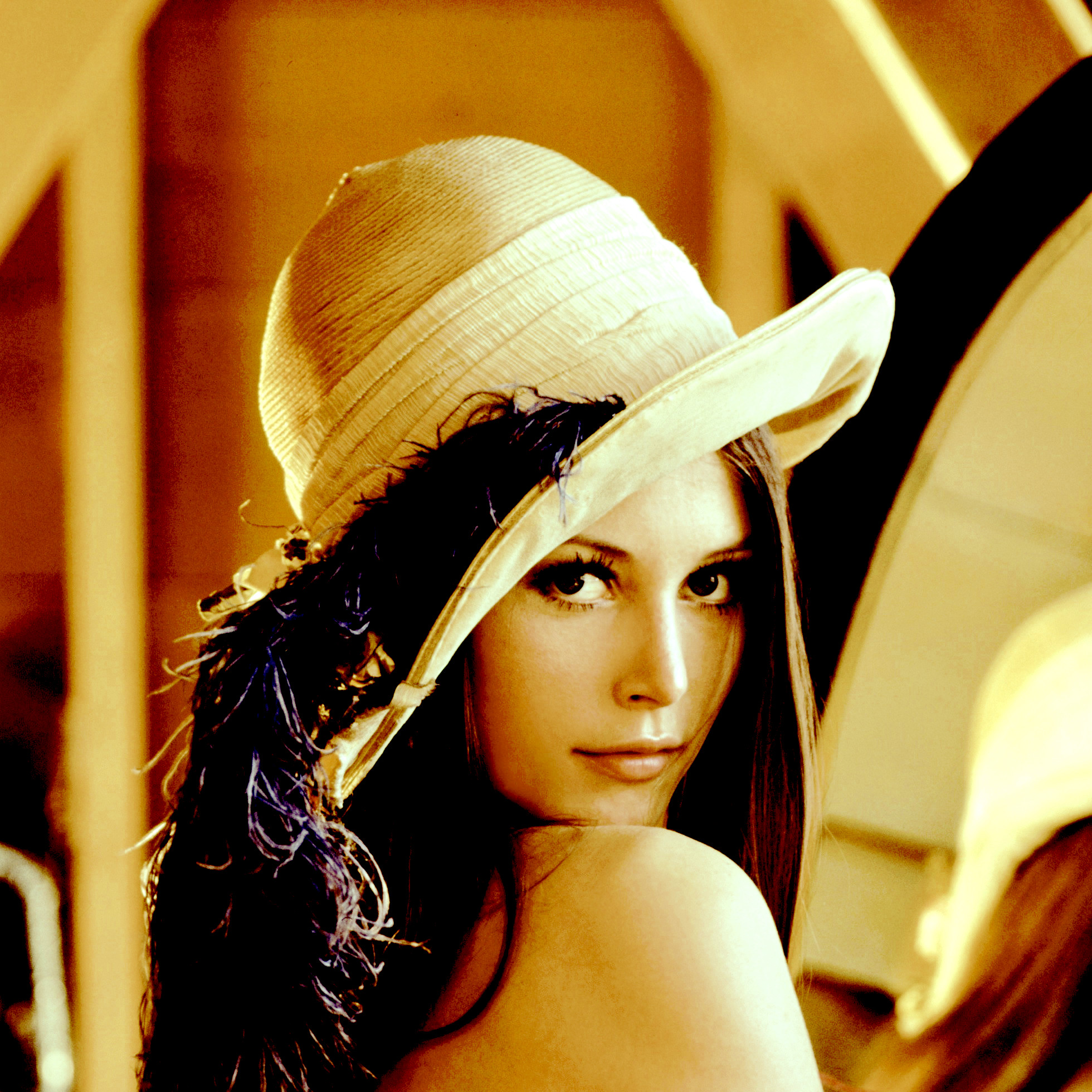
img = cv2.imread('lena_test.jpg')
img_new = img_resize(img)
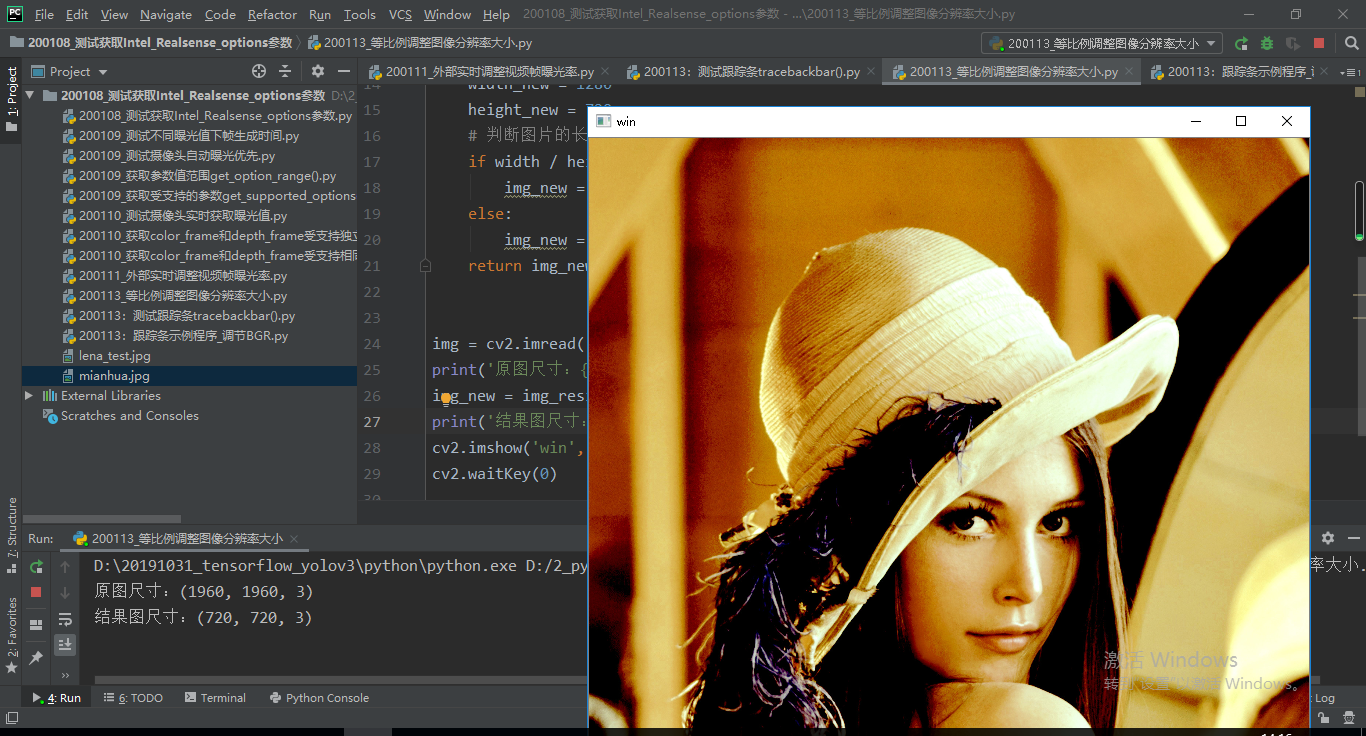
print(img_new.shape)
cv2.imshow('win', img_new)
cv2.waitKey(0)
结果:
参考文章1:OpenCV修改图片大小
参考文章2:python opencv cv2.resize()函数
最后
以上就是无辜手链最近收集整理的关于python opencv 等比例调整(缩放)图片分辨率大小代码 cv2.resize()的全部内容,更多相关python内容请搜索靠谱客的其他文章。
本图文内容来源于网友提供,作为学习参考使用,或来自网络收集整理,版权属于原作者所有。








发表评论 取消回复