1、我的eclips版本是4.4.2,从https://blog.csdn.net/cyn_653620/article/details/81566390 找到相应版本的sts压缩包下载。
注:https://spring.io/projects/spring-boot#overview springboot 的官网未找到历史版本。
2、在eclipse 上离线安装sts
3、在eclipse上配置maven、
4、新建maven项目导入spring、maven、jdk、tomcat的jar包
5、pom.xml文件报错: maven-war-plugin 用2.6版本,这里直接粘贴网页的pom.xml内容即可
项目报错:右键项目-》maven-》update project.
在这里花费了不少时间。
6、参考实例:https://blog.csdn.net/qq_34407656/article/details/81099640?depth_1-utm_source=distribute.pc_relevant.none-task&utm_source=distribute.pc_relevant.none-task
注解:@SpringBootApplication //Spring Boot项目的核心注解,主要目的是开启自动配置
@RestController //标明这是一个SpringMVC的Controller控制器;
@RequestMapping("test1") //请求路径
右键Run As >> Java Application
http://localhost:8080/
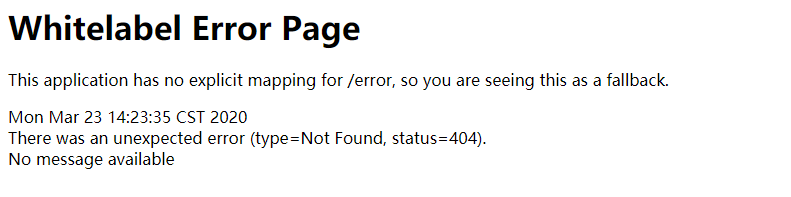
http://localhost:8080/test 网页显示hello。
最后
以上就是单薄鸡翅最近收集整理的关于spring boot demo 实验成功的全部内容,更多相关spring内容请搜索靠谱客的其他文章。








发表评论 取消回复