1、删除libreoffice
sudo apt-get remove libreoffice-common
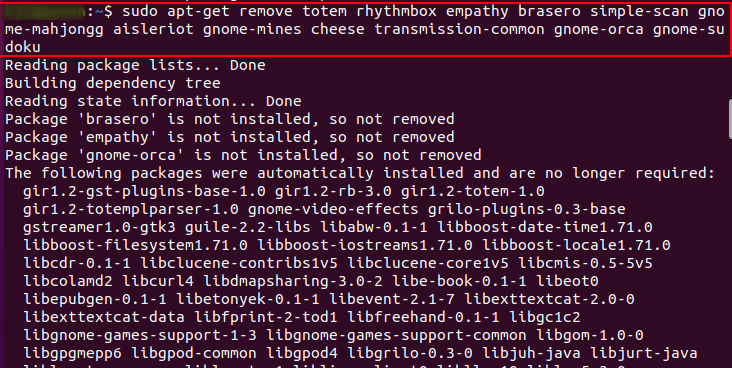
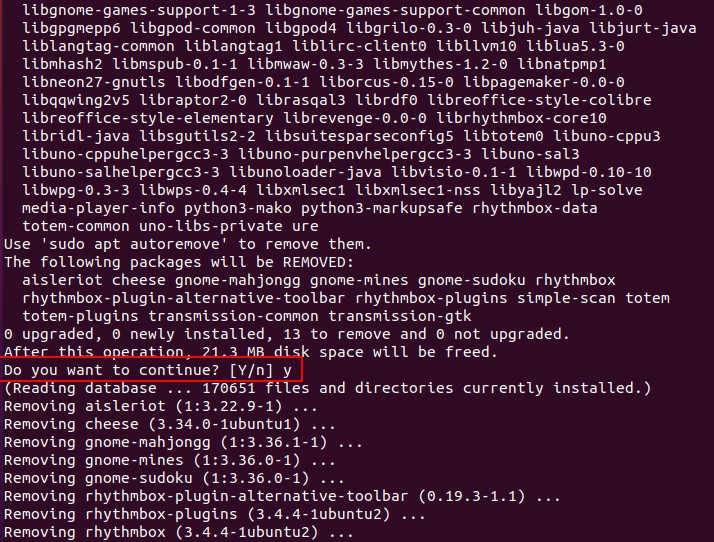
2、删除不必要用的软件
sudo apt-get remove thunderbird totem rhythmbox simple-scan gnome-mahjongg aisleriot gnome-mines cheese transmission-common gnome-sudoku
最后
以上就是难过星月最近收集整理的关于安装Ubuntu 20.04后删除不必要用的自带软件的全部内容,更多相关安装Ubuntu内容请搜索靠谱客的其他文章。
本图文内容来源于网友提供,作为学习参考使用,或来自网络收集整理,版权属于原作者所有。








发表评论 取消回复