Hystrix Dashboard

https://cloud.spring.io/spring-cloud-static/spring-cloud-netflix/2.1.0.M3/single/spring-
cloud-netflix.html#netflix-zuul-starter

4. Circuit Breaker: Hystrix Dashboard

Hystrix的一个主要优点是,它会手机每一个HystrixCommand的指标

One of the main benefits of Hystrix is the set of metrics it gathers about each HystrixCommand.

The Hystrix Dashboard displays the health of each circuit breaker in an efficient manner.

localhost:8010/hystrix.stream

localhost:8010/movie/1

5.1 How to Include the Hystrix Dashboard

<dependency>
	<groupId>org.springframework.cloud</groupId>
	<artifactId>spring-cloud-starter-hystrix-dashboard</artifactId>
</dependency>

microservice-hystrix-dashboard

localhost:8030/hystrix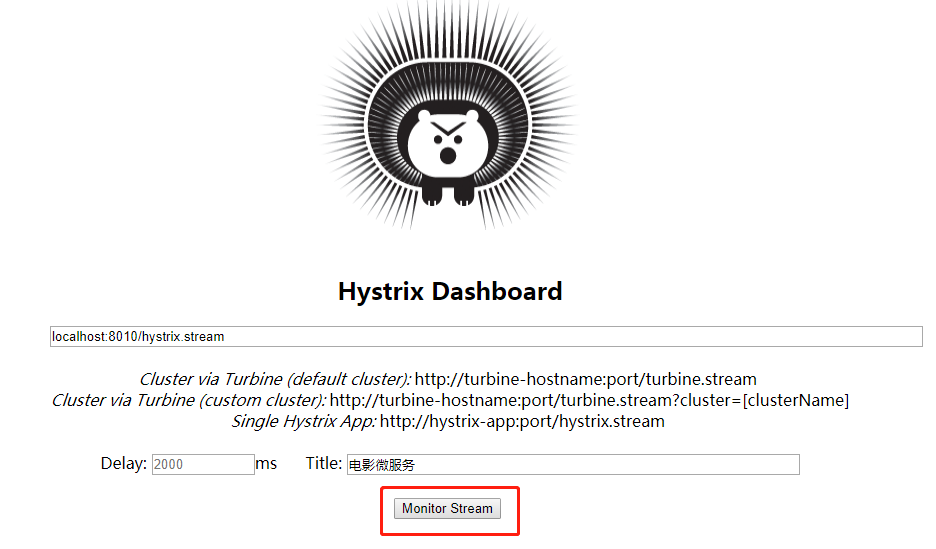
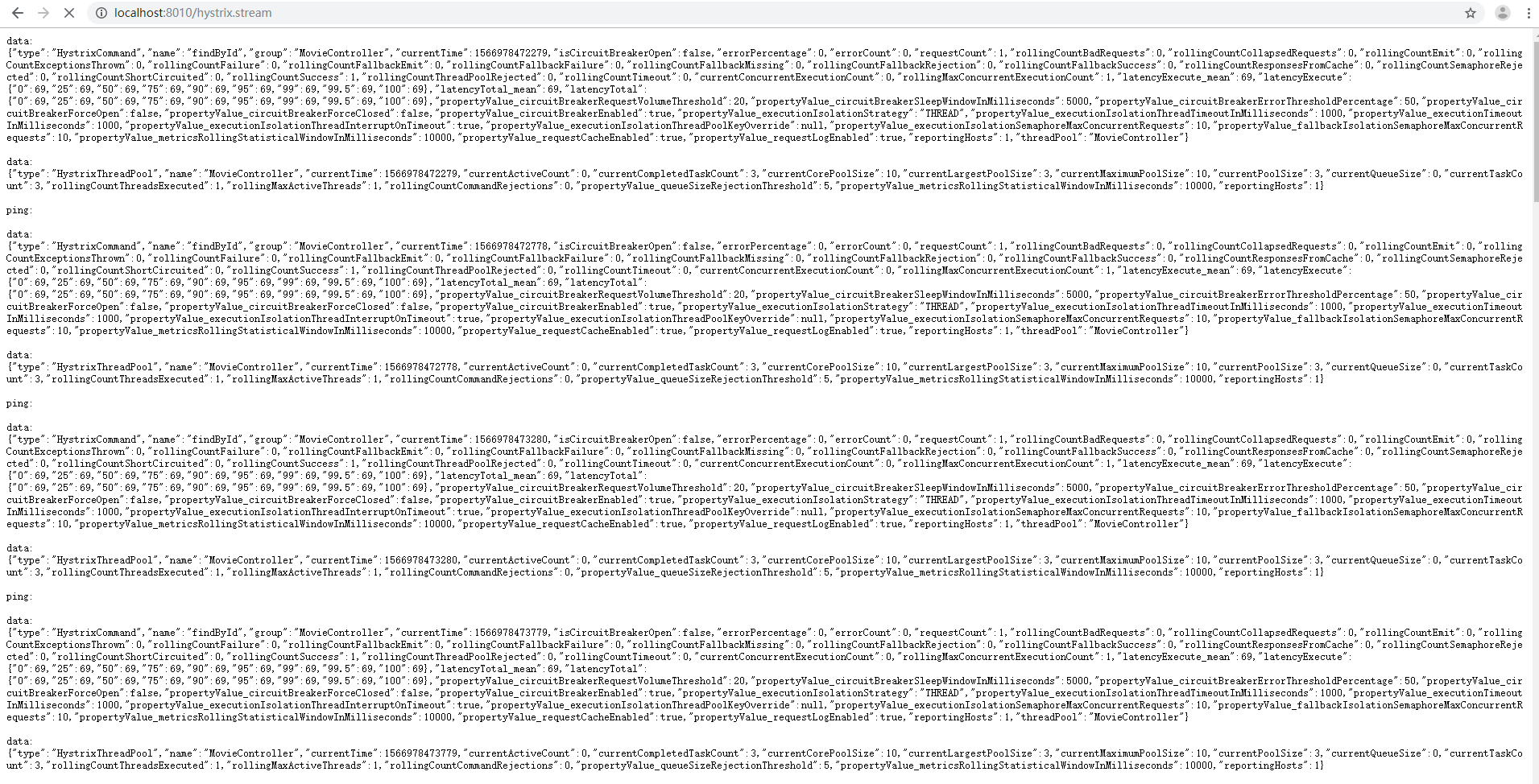

一直调用下面的请求

http://localhost:8010/movie/1
<?xml version="1.0" encoding="UTF-8"?>
<project xmlns="http://maven.apache.org/POM/4.0.0"
xmlns:xsi="http://www.w3.org/2001/XMLSchema-instance"
	xsi:schemaLocation="http://maven.apache.org/POM/4.0.0
http://maven.apache.org/xsd/maven-4.0.0.xsd">
	<modelVersion>4.0.0</modelVersion>
	<artifactId>microservice-hystrix-dashboard</artifactId>
	<version>0.0.1-SNAPSHOT</version>
	<packaging>jar</packaging>

	<name>microservice-hystrix-dashboard</name>
	<description>Demo project for Spring Boot</description>

  <parent>
    <groupId>cn.learn</groupId>
    <artifactId>microcloud02</artifactId>
    <version>0.0.1</version>
  </parent>

	<properties>
		<project.build.sourceEncoding>UTF-8</project.build.sourceEncoding>
		<project.reporting.outputEncoding>UTF-8</project.reporting.outputEncoding>
		<java.version>1.8</java.version>
	</properties>

	<dependencies>
        <dependency>
            <groupId>org.springframework.cloud</groupId>
            <artifactId>spring-cloud-starter-hystrix-dashboard</artifactId>
        </dependency>
	</dependencies>

	<build>
	  <plugins>
	        <plugin>
	            <groupId>org.springframework.boot</groupId>
	            <artifactId>spring-boot-maven-plugin</artifactId>
	        </plugin>
	    </plugins>
	 </build>


</project>
#debug=true
server.port=8030
package com.learn.cloud;

import org.springframework.boot.SpringApplication;
import org.springframework.boot.autoconfigure.SpringBootApplication;
import org.springframework.cloud.netflix.hystrix.dashboard.EnableHystrixDashboard;

@SpringBootApplication
@EnableHystrixDashboard
public class HytrixDashBoardApplication {

  public static void main(String[] args) {
    SpringApplication.run(HytrixDashBoardApplication.class, args);
  }
}
最后
以上就是哭泣金鱼最近收集整理的关于Hystrix Dashboard的使用与常见问题总结的全部内容,更多相关Hystrix内容请搜索靠谱客的其他文章。
本图文内容来源于网友提供,作为学习参考使用,或来自网络收集整理,版权属于原作者所有。


发表评论 取消回复